
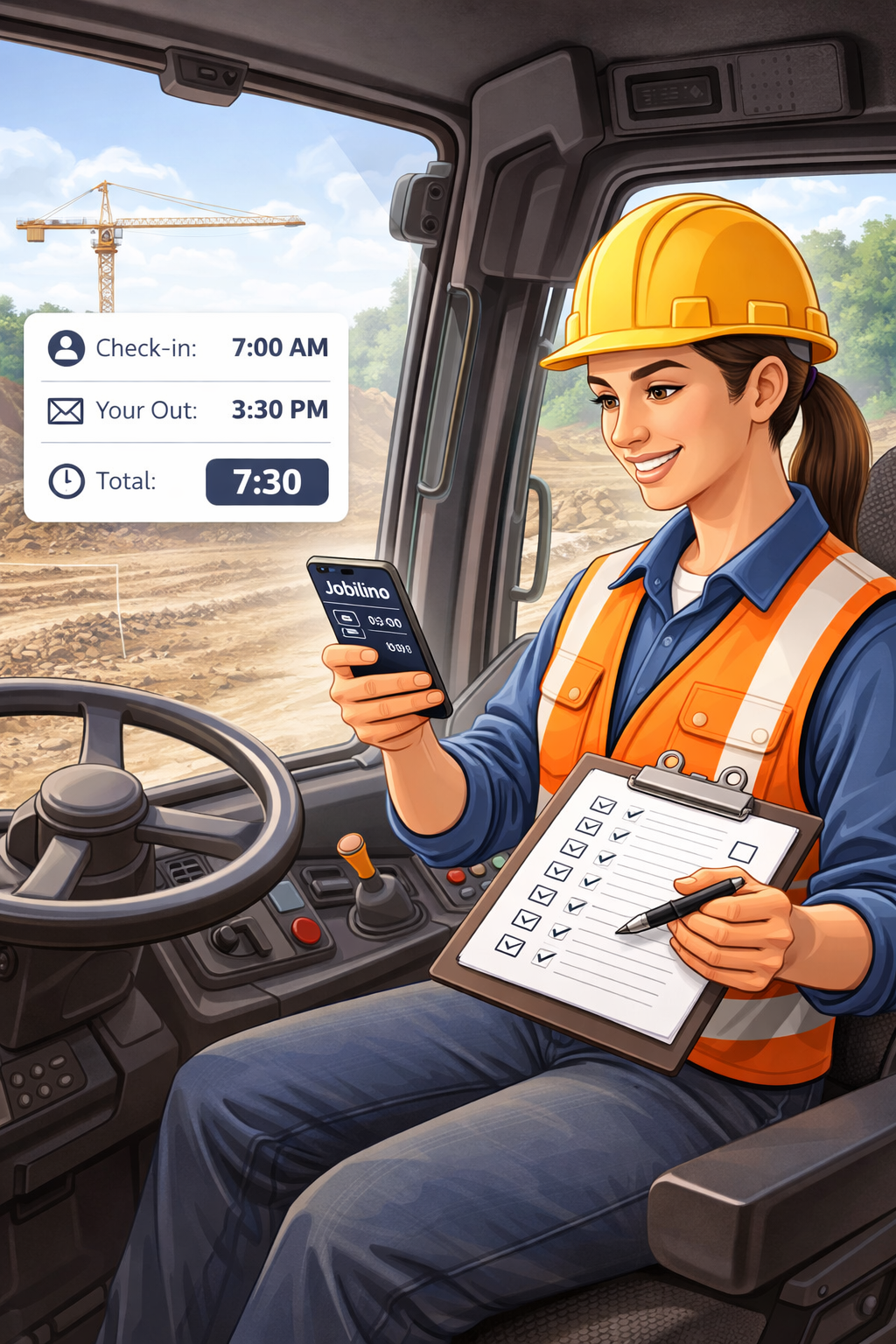
In time tracking, “mobile” does not mean “working from home”. It means people without a fixed workplace: the crew cleaning two sites before noon, the service technician with four customer appointments a day, the night shift in winter services. They have no laptop, often gloves on, and rarely the time to click through a menu. That is where most systems fail – not on missing features.
Why mobile time tracking fails in practice
Anyone who introduces time tracking and looks at the data three months later almost always finds the same five patterns:
- The wrong project was selected. With eighty sites in a list this happens daily – and only surfaces at invoicing.
- Somebody forgot to clock out. The entry keeps running overnight and produces a sixteen-hour shift.
- There was no signal in the basement. So nothing was recorded and the note arrives three days later.
- The language does not fit. People still learning the local language cannot reliably find the right entry.
- It takes too long. With twelve short jobs a day, every extra second decides whether anything is recorded at all.
An app for mobile teams therefore needs to do less than an office solution – but the little it does has to work under bad conditions.
Recording has to take seconds
The normal case is one large start button: tap, work, tap again. Everything else is an extra. Where the same sites are visited again and again, an NFC tag on site is faster and safer: holding the phone against the sticker is enough and the site is set – no selection, no typing errors, and it works with gloves on. Anyone without a work phone signs in with a personal card at a terminal. All three routes write into the same data set; you do not have to choose one.
When somebody forgets to clock out
It happens, and a system that ignores it produces unusable data. Open entries are therefore closed automatically instead of running on indefinitely. The missing time is added by the employee afterwards – depending on your configuration with a justification and approval by the responsible person. What matters is what happens next: the correction stays logged, with the previous value, the person and the timestamp. That is the difference between a correction and a retrospective change nobody can trace.
Anyone who does not clock in at all for a scheduled shift can receive a reminder after a configurable delay – while the day is still fresh enough to remember.
Working on without a signal
Plant rooms, underground car parks, halls, rural construction sites: dead spots are the norm, not the exception. An NFC clock-in without a connection is therefore stored on the device and submitted automatically once there is reception again – with the actual time, not the time of transmission. The window for this is 72 hours.
Assigning customer and project without searching
For invoicing it is not only the number of hours that counts but who they belong to. If the assignment sits on the NFC tag, it is done before anyone has to think about it. Where finer documentation is needed, employees can be asked right after check-in what they are working on – as a choice from the tasks stored for that project, not as a mandatory free-text field.
What the office gets out of it
The real gain is not in the app but in what follows: the hours are already recorded when they are needed. Month-end shows times per employee and per site, reports overtime and premiums separately, and exports as a file for payroll. That replaces the part of the work that used to consist of deciphering, asking back and retyping – in practice the larger item compared with filling in the sheet itself.
Location proof without constant tracking
The most common worry in the team is not time tracking but the idea of being tracked all day. That is not necessary either: an NFC tag proves the moment of contact at a particular place – nothing more. No movement profile is created, because nothing is recorded between two clock-ins. If you want stricter checks, a radius can be defined per site within which clocking in is possible; that too is a check at the moment of check-in, not continuous tracking. In a rollout this argument dissolves more resistance than any feature list.
How to recognise a usable app
- One clock-in takes under five seconds, including the project assignment
- Clock-ins at an NFC tag work without a signal and are submitted later with the correct timestamp
- Employees can use the interface in their own language
- Corrections are possible but logged – neither impossible nor invisible
- There is a second route for employees without a work phone
- The reports produce the format your payroll actually needs
Whether it works in your own business shows not in the demo but in the first real week. The time tracking app can be tested free of charge for 14 days – preferably with one crew rather than the whole company: if it works there, it works everywhere.