
Ready in minutes
Download the app, scan an NFC tag, clock in – your team gets going without training. No hardware installation, no setup fee.
Digital Time Tracking via App, NFC and Terminal
Your team clocks in right where they work – via app, NFC or terminal. Back in the office you see in real time who is working where – no paper, no chasing.
14 days free no credit card required cancel monthly
The app speaks your team's language
Albanian, Bosnian, Bulgarian, Croatian, Czech, Danish, Dutch, English, Finnish, French, Georgian, German, Greek, Hungarian, Italian, Latvian, Lithuanian, Macedonian, Norwegian, Polish, Portuguese, Romanian, Russian, Serbian, Slovak, Slovenian, Somali, Spanish, Swedish, Turkish, Ukrainian
Why Jobilino
Built for teams on the move – not for accounting alone.
Download the app, scan an NFC tag, clock in – your team gets going without training. No hardware installation, no setup fee.
GDPR-compliant with EU hosting, developed in Austria. Seamless records for payroll, billing and audits.
Construction site, cleaning, field service: works offline and in more than 30 languages – everyone clocks in at every site.
New: AI in Jobilino
Ask your schedule in plain language: who can cover a shift? Where are the gaps? Joby answers in seconds and makes concrete suggestions. The decision stays with you.
Joby is available as an add-on module for staff scheduling.
How it works
How time tracking works with Jobilino
Employees clock in and out via app, NFC or terminal. All times are stored centrally and automatically – no timesheets, no Excel, no rework.
When clocking in, working time is assigned directly to the right client, order or project. The office sees in real time which hours go to which project – without manual sorting.
The app is available in more than 30 languages – Albanian, Bosnian, Bulgarian, Croatian, Czech, Danish, Dutch, English, Finnish, French, Georgian, German, Greek, Hungarian, Italian, Latvian, Lithuanian, Macedonian, Norwegian, Polish, Portuguese, Romanian, Russian, Serbian, Slovak, Slovenian, Somali, Spanish, Swedish, Turkish and Ukrainian. Employees work in their own language right away, without training and without translation problems.
Industries
Jobilino is built for teams that don't work at a desk – from the construction site to the cleaning site.
Bau & Handwerk
Mitarbeitende stempeln direkt auf der Baustelle per App oder NFC. Alle Stunden werden Projekten, Baustellen und Aufträgen zugeordnet – ideal für Nachkalkulation und Lohnverrechnung.
View industry →Produktion & Lager
In Werkhallen und Lagern erfasst Jobilino Arbeitszeiten an Maschinen, Linien oder Bereichen. So sehen Sie, welche Ressourcen wie stark ausgelastet sind.
View industry →Gebäudereinigung
Mitarbeitende melden sich direkt am Objekt per NFC oder App an und ab. So ist jederzeit nachvollziehbar, wer wann wo im Einsatz war.
View industry →Gastronomie & Handel
In Filialen oder Lokalen behalten Sie den Überblick über Arbeitszeiten von Vollzeit-, Teilzeit- und Aushilfskräften – auch bei häufig wechselnden Diensten.
View industry →Büro, Agenturen & Dienstleister
Projektbezogene Zeiten werden direkt auf Kunden und Projekte gebucht. So sehen Sie genau, wie viel Aufwand in welches Mandat oder Projekt fließt.
View industry →Learn more
Features, use cases, reports for payroll and billing – the complete overview.
To the overview → MultilingualSQ, BS, BG, DA, DE, EN, FI, FR, KA, EL, IT, HR, LV, LT, MK, NL, NB, PL, PT, RO, RU, SV, SR, SK, SL, SO, ES, CS, TR, UK, HU – every employee automatically works in their own language, without training.
Learn more → FeaturesTime clock, project allocation, NFC proof, reports, leave management and more.
View features →Your benefit
Less effort, more overview
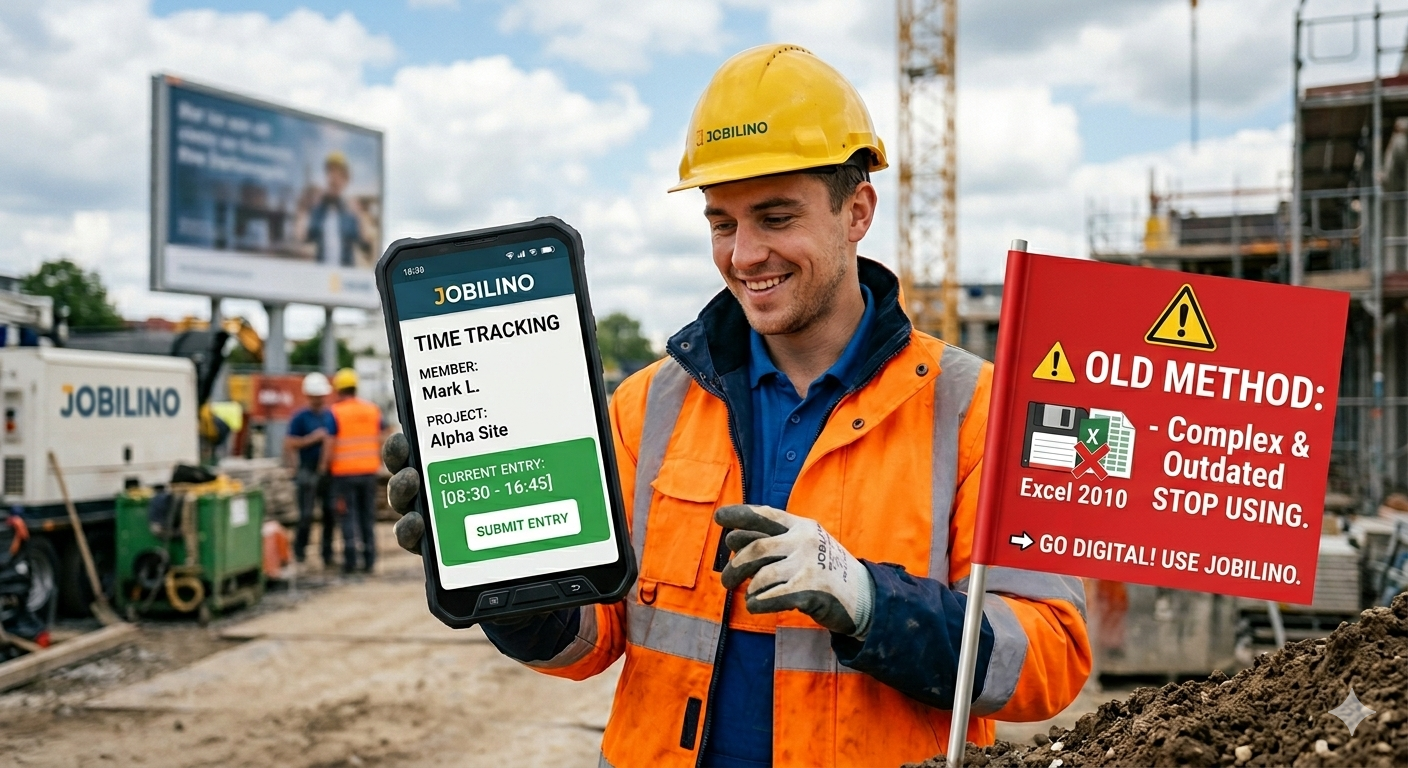
On the construction site, at the client's premises, in the cleaning facility or in the warehouse – Jobilino works wherever your employees actually work. Via app on the smartphone, via NFC tag at the job site, or via terminal at the location. The operation is so simple that no training is required. All times are automatically recorded in the system – clean, project-related and ready for payroll processing.

Because paper timesheets are disappearing, Excel lists produce errors and the office spends hours on corrections every week. Jobilino replaces these legacy processes with digital time tracking that works directly on site. Your employees clock in via app or NFC. Hours are automatically assigned to projects, clients and orders. The office can see in real time who is working where – and at the end of the month the data is accurate for payroll and billing, with no rework required.
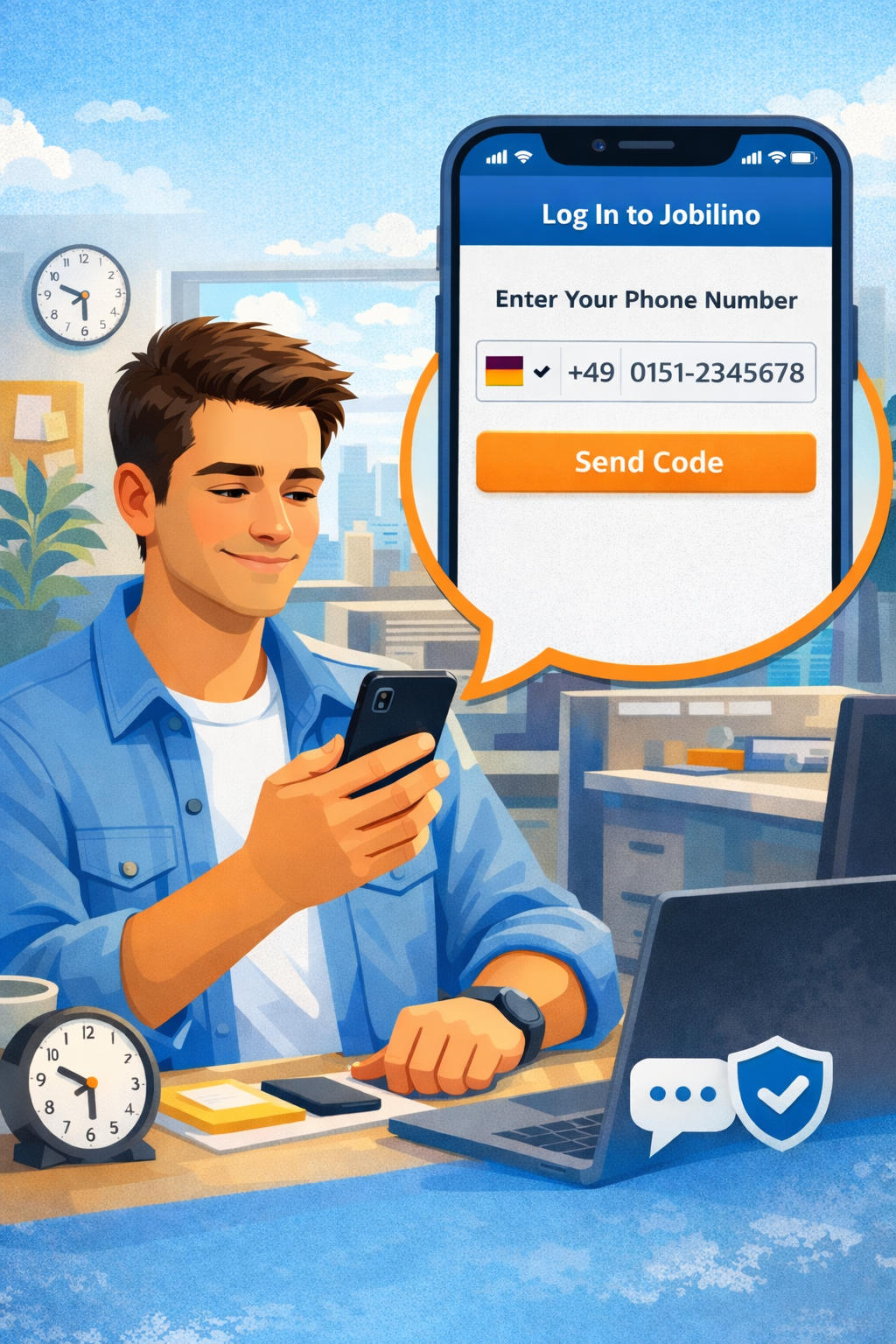
Three steps to digital time tracking: 1. Register and create teams Set up your account in under two minutes. Add locations, projects and employees – done. 2. Distribute the app and get started Your employees install the app and start immediately – no training, no IT project. NFC tags are applied at deployment sites as needed. 3. Analyse and bill All working hours are available in real time in the dashboard – filterable by employee, project or time period. Ready-made reports for payroll and billing at the touch of a button.
Demo
In a short demo we review your processes with you and tell you honestly whether and how Jobilino fits.
Prefer to call right away? +43 664 5031382
Pricing
No setup fee, no minimum term. All details and the price calculator on the pricing page.
Blog
Legal updates, practical know-how and industry news about time tracking.
Is Christmas Eve a public holiday? Special leave vs. special days – and how Jobilino books days off like 24 Dec or birthdays autom...
Are smoke breaks working time? What the law says, which rules are fair and how Jobilino records smoke breaks automatically with a...
Job management for cleaning, maintenance and trades: where jobs get lost, what work order software must do and how to roll it out...
No more paper timesheets, Excel chaos, and weekly catch-up work in the office. Try Jobilino for free and discover how simple time tracking can be – from day one.
Prefer to call right away? +43 664 5031382
Legal updates, industry tips and product news – concise, a few times a year. Unsubscribe anytime.
We will personally show you how your team clocks in without paper timesheets from tomorrow, and how payroll prep takes minutes instead of hours – free, no obligation, no sales pressure.
Over 48,000 users every day More than 30 languages Servers in the EU
How many employees should track their time?
One click is enough – we tailor the demo to your size.
We get back to you within one business day with time slots – free and without obligation.
No credit card · GDPR-compliant · cancel anytime
Prefer to call right away? +43 664 5031382
Don’t want to wait? Pick your demo slot yourself right now – or start for free immediately.
Create your account in two minutes, invite your team and clock in without paper timesheets from tomorrow. 14 days free, no credit card, cancel monthly.
Over 48,000 users every day More than 30 languages Servers in the EU
No credit card · GDPR-compliant · cancel monthly