
Shift Planning

Digital shift planning with Jobilino: create rosters in minutes and connect them with time tracking. GDPR-compliant, EU hosting. Try it free now.

The plan is where the people are

A rota pinned to the office wall helps nobody on site. In Jobilino you publish the plan – and every employee sees their shifts on their phone, in their own language, even without a signal.

When something changes at short notice, the person affected gets the message. Not the entire workforce, and not a round of phone calls the night before.

  • Dienstpläne in Minuten statt in Excel erstellen
  • Schichten in der App für jeden Mitarbeiter sichtbar
  • Automatische Benachrichtigung bei Änderungen
See time tracking →
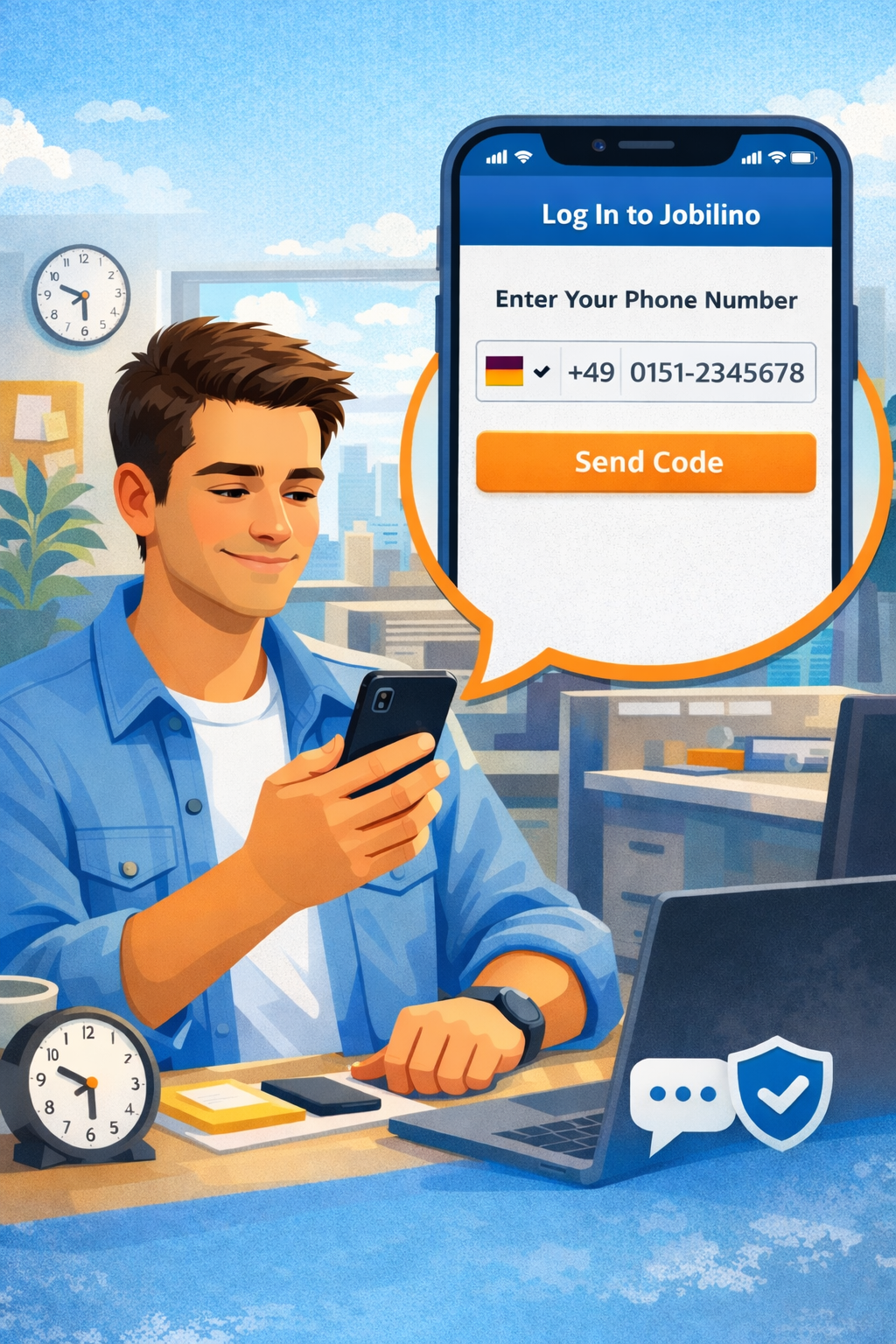
Illustration: signing in to the Jobilino app with a phone number and a one-time code

Early, late, night – and everything in between

Rotating shifts, split duties, part-time staff on fixed days, weekend standby: a shift pattern is rarely as tidy as it looks in a software brochure. So Jobilino imposes no patterns – it gives you a grid, employees in the rows, days in the columns.

A shift is created, dragged or copied. A week that works can be carried over to up to twelve following weeks; slots that are already taken are skipped, so copying repeatedly never produces a double booking.

  • Live-Übersicht aller Schichten und Mitarbeiter
  • Soll-Ist-Abgleich von Plan und erfasster Zeit
  • Export für die Lohnbuchhaltung
See dispatch →
Shift planning week grid: five employees in rows, Monday to Sunday in columns, showing early, late and night shifts as well as days off.

Check rest periods before the rota goes out

The rest period between two shifts is eleven hours – in Austria under § 12 AZG, in Germany under § 5 ArbZG. In practice it breaks at the same place every time: a late shift until 22:00, an early shift at 06:00 the next morning. That is eight hours.

Jobilino flags it while you plan, not at payroll. The planner also points out public holidays and overlaps. None of it blocks anything – you decide what to do with it.

  • DSGVO-konform
  • Hosting in der EU/Österreich
  • Rollenbasierte Zugriffsrechte
Recording obligation in Germany →
Rest period diagram: if the late shift ends at 22:00 and the early shift starts at 06:00, only 8 hours lie between them – too short. From 09:00 it is 11 hours and the rest period is satisfied.

Shift Planning That Works Hand in Hand with Time Tracking

Other tools only plan. With Jobilino, shift planning and time tracking run in one system: you can see at a glance whether the planned shift matches the actual hours worked – a clean foundation for payroll and scheduling. In Jobilino, the module is called Staff Scheduling.

Learn More

Weekly grid

Plan instead of phone around

Employees and days as a grid: create a shift, drag it, copy it. One week can be carried over to the next as a template.

Publishing

Everyone on the same version

The plan only goes out when you release it. If it changes later, each affected person learns what changed for them – not merely that something changed.

Sites and projects

A shift with a location

Every shift can belong to a site, a building or a project. The recorded hours then land on the right cost centre automatically.

Soll-Ist-Vergleich

Plan und Realität nebeneinander

Geplante Schicht und erfasste Arbeitszeit stehen direkt gegenüber. Abweichungen erkennen Sie sofort – ohne mühsamen Abgleich von Hand.

Everything for Workforce Planning in One System

From shift planning and time tracking to leave management – Jobilino brings all the essential features together in one clear platform for teams working outside the office.

Fewer calls on Sunday evening

Someone who can see their plan on their phone does not ring up to ask what time they start on Monday.

Less idle time and fewer double bookings

In the grid it is obvious where two people are standing and where nobody is – before the day has started.

A clean basis for payroll

Planned and recorded hours live in the same system. Premiums, overtime and absences are calculated from that, not from memory and paper slips.

Evidence for your clients

For cleaning and security work, what counts is not only that somebody was there but that it can be proven. Plan and clock-in together make the record.

Frequently asked questions

How quickly can I set up shift planning?

Setup typically takes under 30 minutes. You import your employee list, create shifts or templates, and can start planning straight away.

Can employees view their shifts on their smartphone?

Yes. As soon as you publish the rota, every employee can see their shifts in the app and is automatically notified of any changes via push notification.

Can shift planning be connected to time tracking?

Yes, that is the core of Jobilino. Shifts planned in Staff Scheduling and actually recorded times run in a single system – so you can see at a glance whether plan and reality match.

Can employees swap shifts?

In Jobilino, shift swaps are handled by management: the planner simply reassigns the shift to another person in Staff Scheduling, and employees see their current shifts in the app. Swap requests initiated by employees in the app are not available at the moment.

Is shift planning suitable for small businesses too?

Yes. Jobilino is designed especially for small and medium-sized businesses that are looking for a simple, clear solution rather than complicated software.

Is data stored in a GDPR-compliant manner?

Yes. All data is transmitted in encrypted form and stored in line with the GDPR on servers in the EU.

Which shift patterns can I plan?

Jobilino does not impose fixed patterns. You plan in a grid: employees in the rows, days in the columns. That covers early, late and night shifts just as well as rotating shifts, split duties, part-time staff on fixed weekdays or weekend standby. A week that works can be carried over to up to twelve following weeks; slots that are already taken are skipped.

How long must the rest period between two shifts be?

Eleven hours in Austria (§ 12 AZG) and Germany (§ 5 ArbZG), and eleven consecutive hours in Italy (D.Lgs. 66/2003, art. 7). In practice the rule breaks at the same place every time: a late shift until 22:00 followed by an early shift at 06:00 the next morning leaves only eight hours. Jobilino flags this while you plan, before the rota goes out. The warning blocks nothing – it makes the conflict visible while it can still be changed. This page is not legal advice; collective agreements may set different rules for your business.

What happens when the rota changes at short notice?

You change the shift and publish the plan again. Only the people affected are notified – and the message names exactly what changed for them: different hours, a different vehicle, a different site. Anyone not affected gets no message at all. Afterwards you can see who the notification actually reached.

Can we replace our Excel template for the rota?

Yes, and that is the usual starting point. An Excel template can plan, but it cannot publish: you never know for certain who has seen the current version. On top of that, planned and actually worked hours sit in two separate files and are merged by hand at the end of the month. In Jobilino both live in the same system.

Are night shifts and premiums taken into account?

Premiums are calculated from the hours actually recorded, not from the plan – planned is not worked. The night window follows the country of the contract, because it differs: Austria uses 22:00 to 06:00, Germany 23:00 to 06:00. Sunday and public holiday premiums are shown separately.

What can the AI assistant Joby do in staff scheduling?

Joby summarises a chosen period with suggested next steps, answers questions about the plan in plain language – such as “Who could cover for Anna on Tuesday without going into overtime?” – and turns a sentence like “Schedule Anna and Ben Mon–Fri 06:00–14:00 at the Station site for 4 weeks” into a prefilled form. It drafts jobs on request and finds free slots per person. Joby is available on the web in staff scheduling as a bookable add-on.

Does the AI change the schedule on its own?

No. Joby suggests, you decide. Every answer ends in a card that asks for confirmation or in a prefilled form you review and save. On saving every rule runs again: absences, client exclusions and missing qualifications cannot be bypassed through the AI either. If Joby cannot identify a person or site unambiguously, it does not guess – it says so.

Start Shift Planning for Free Now

Create your first digital roster in under 30 minutes – free of charge, no credit card required and no risk. Simply register and get started.

Prefer to call right away? +43 664 5031382

Newsletter: practical know-how on time tracking

Legal updates, industry tips and product news – concise, a few times a year. Unsubscribe anytime.